
Devices
Devices on the SUMS Portal represent real-life components of a vehicle, such as an EBS valve. A single asset (vehicle) can have multiple devices assigned to it, but a device can only belong to one device.
Getting to the Devices page
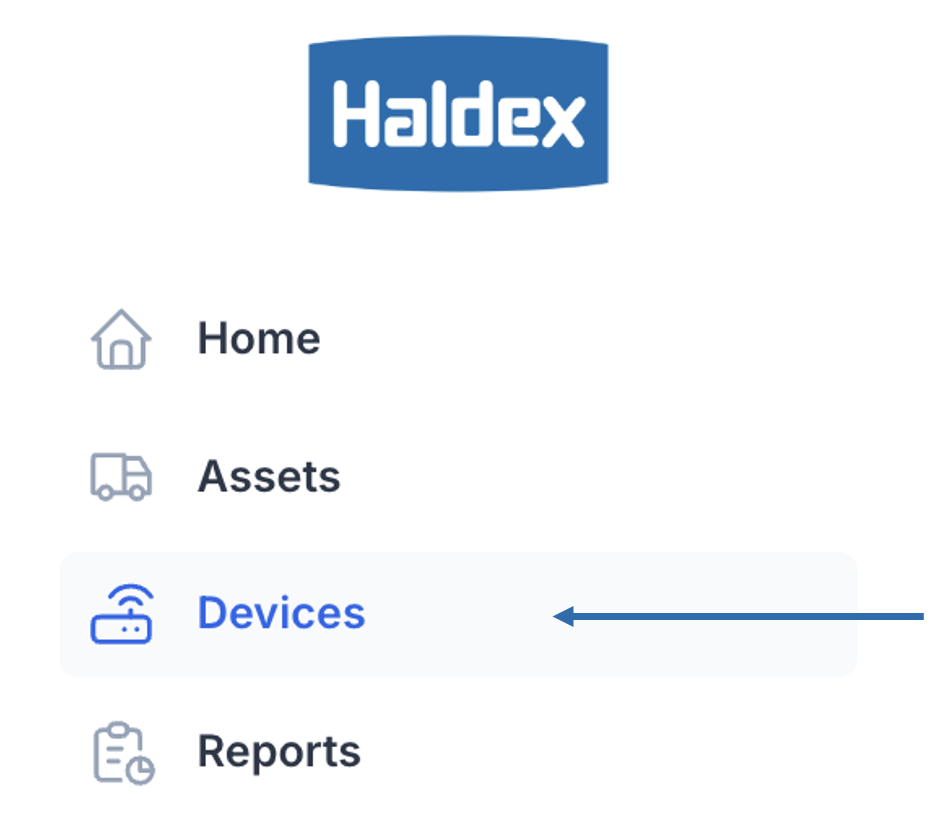
In the navigation sidebar bar click Devices.
Overview
The landing tab for the devices page is the Overview. The overview page shows a dashboard of useful information at a glance about your devices.
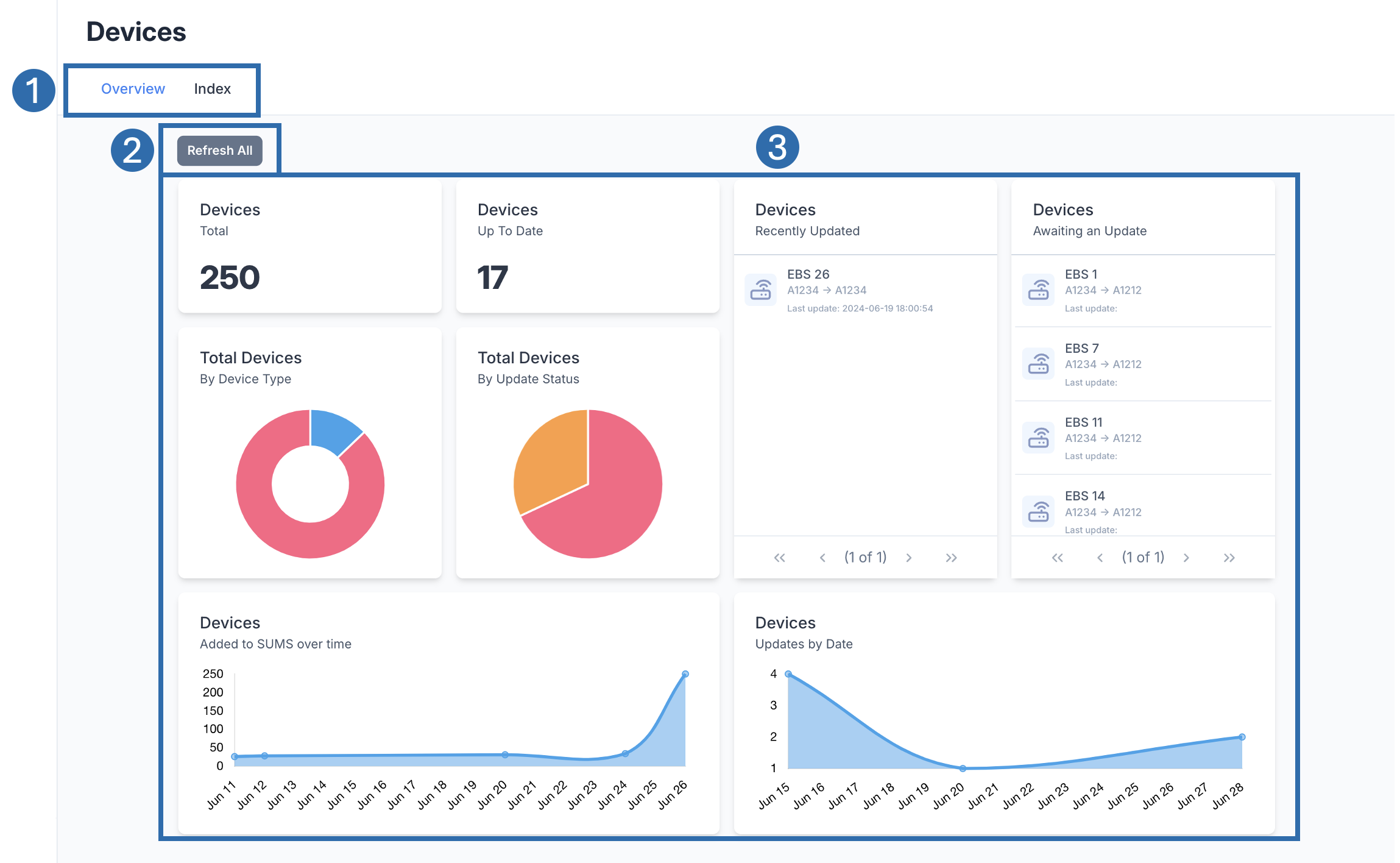 | |
 | Tabs Available pages associated with Devices. Click on a tab to shift the page. |
 | Refresh Button Refresh the widgets on the dashboard section. |
 | Dashboard A collection of widgets showing information on assets. If you click on an asset in a Table widget, this will open up the Device View. |
