Reporting Suite
The Reporting Suite is useful for generating CSV downloads of valuable information.

Check back regularly, or visit our Release Notes to see when new reports have been added.
Getting to the Reporting Suite
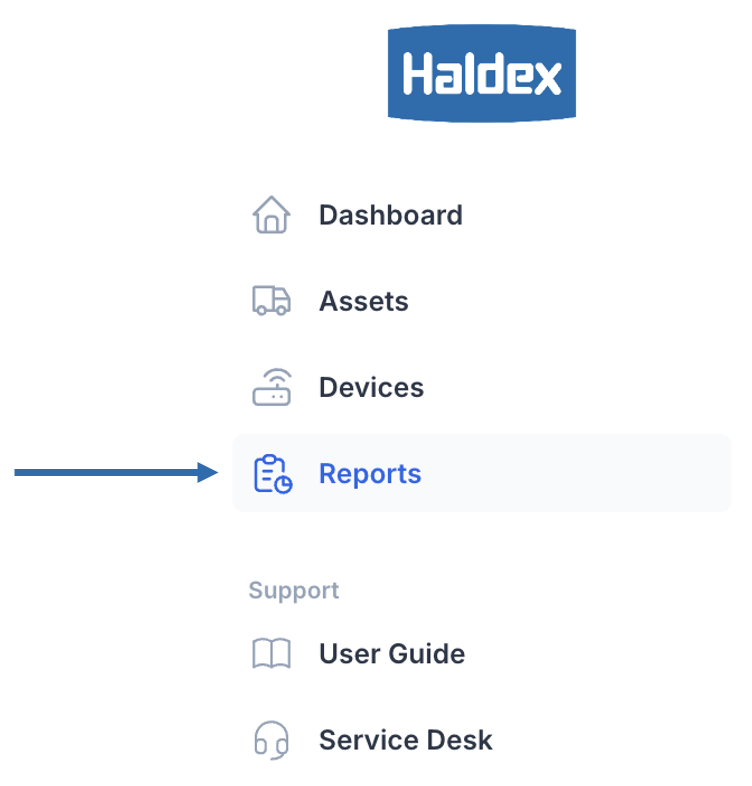
Click Reports in the left side-nav.
Overview
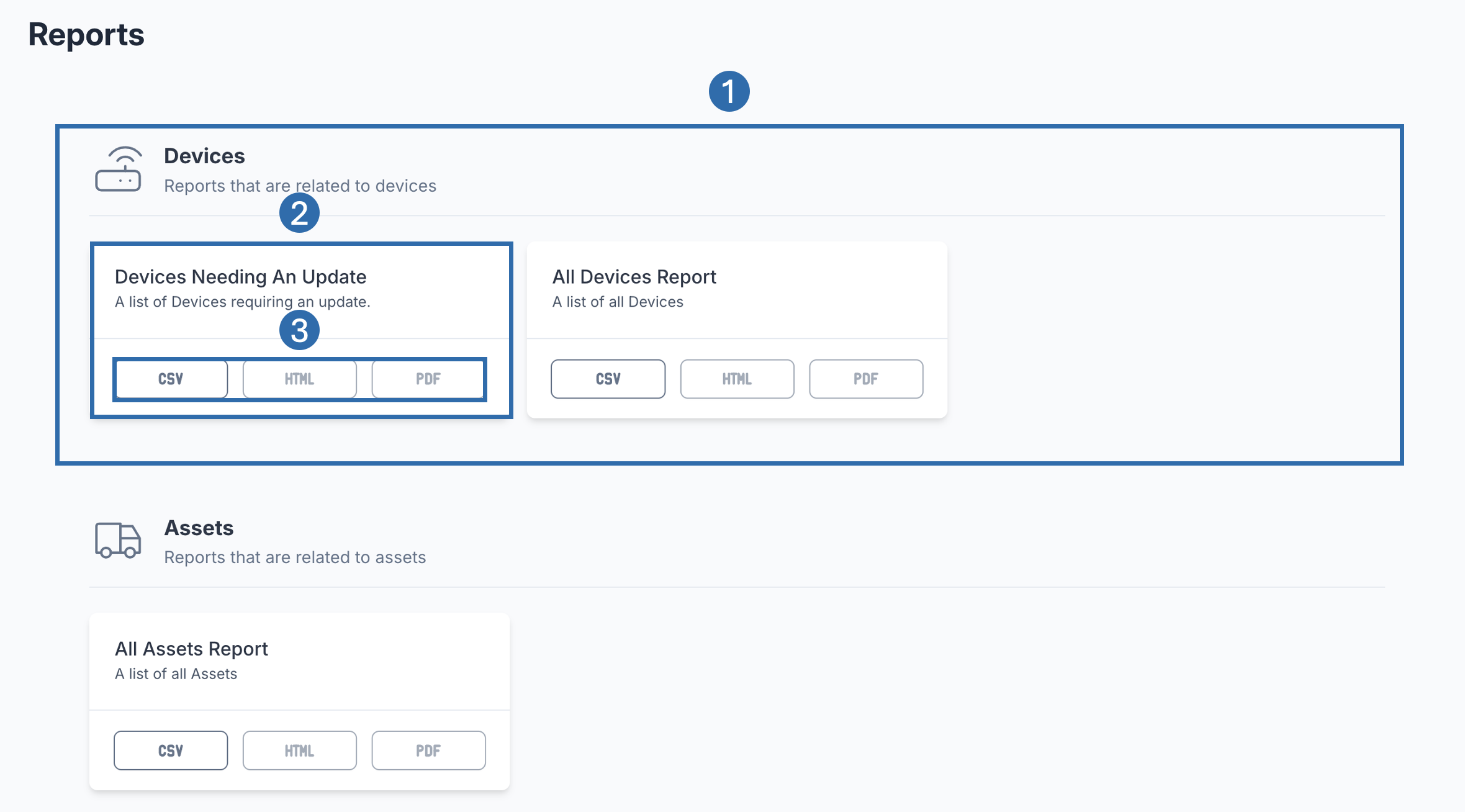 | |
 | Category Section Categories of available reports. I.e. Devices. You may not see every section if you do not have permission. |
 | Report This represents an individual report within the section. |
 | Report Download Options Allows you to select the downloaded format of the report. |

Downloading a Report
Find the relevant report.
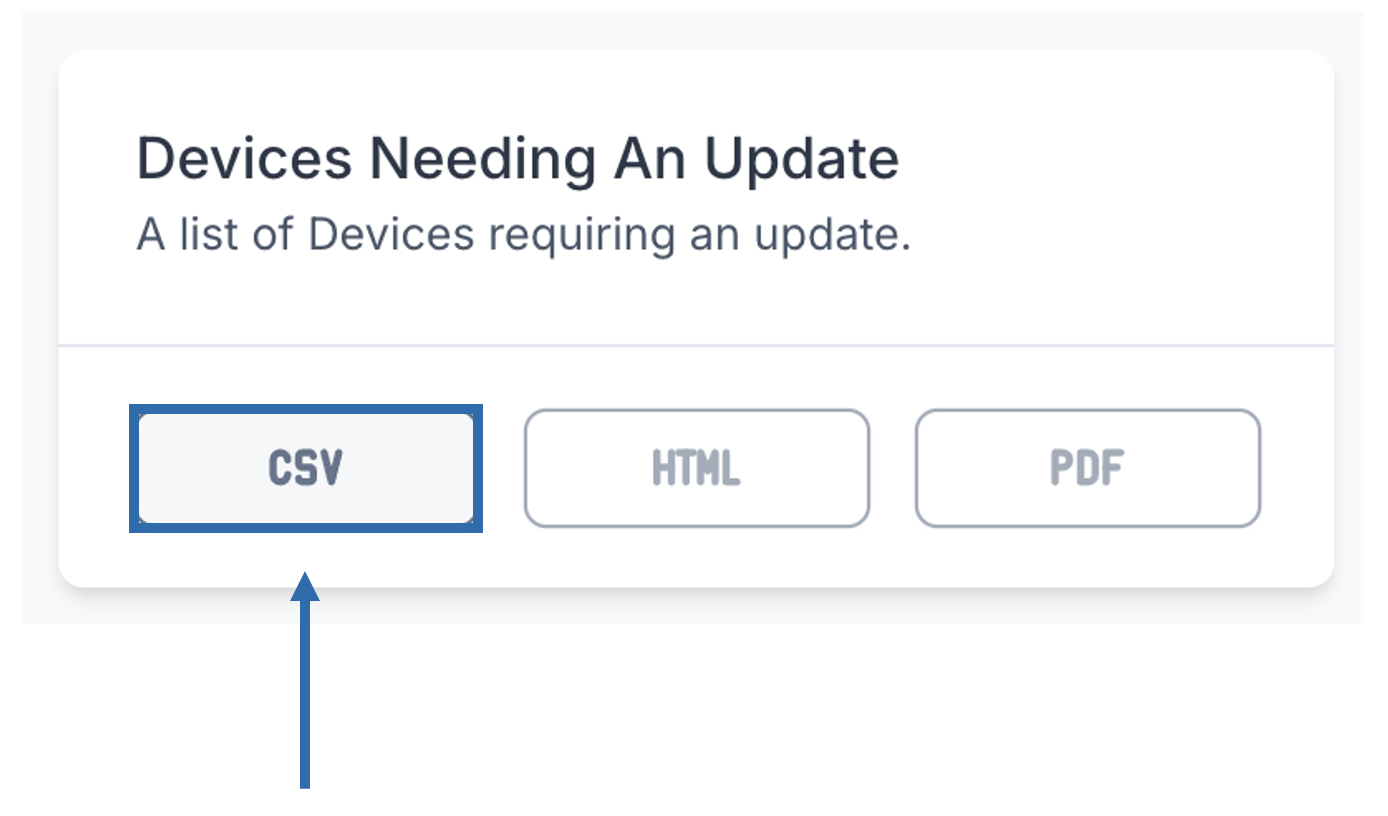
Click one of the download formats within a report card to start your download.

If one or more buttons are disabled, this means we currently do not support those download options for the selected report.