
User Management

User Management is an admin page and is only accessible by Device Manufacturers.
You can manage Usesr via the User Management page. This allows you to create, edit, or delete Users
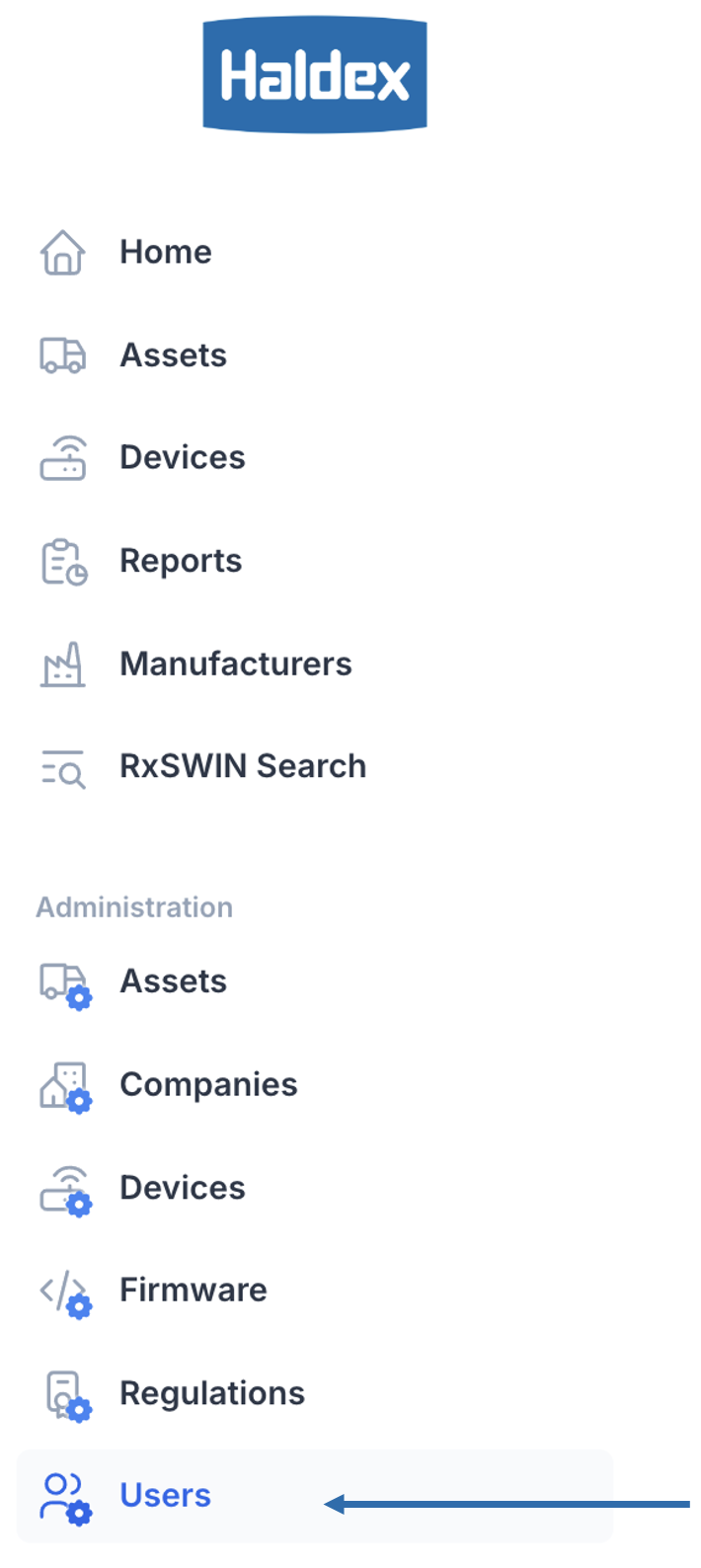
Getting to User Management
On the Administration section click Users.
Overview
 | |
 | Tabs Available Admin pages associated with Users. Click on a tab to shift the page. |
 | Search Filter the list of users with a search term. |
 | Create Button Allows the creation and upload of new users. You may not see this if you do not have permission. |
 | User List Each row represents a user. Clicking on a user will show a detailed view in section 6, with editable fields to modify the user. |
 | Pagination Controls Pagination splits the data up into pages. Pagination Information Use > to go to the next page. Use >> to go to the last page. Click and change the number (e.g. 20) to change the results per page. |
 | Editor Once a user is selected for editing or a new user has been created, this view will populate with the fields relevant to the user. |
