
Changing the Target Firmware

The Vehicle Manufacturer Dashboard and its functionality are only accessible to Vehicle Manufacturers.
Changing the Target Firmware allows vehicle manufacturers to control the rollout of firmware released by the device manufacturer to device revisions. This ensures compatibility with other devices before “approving” and applying updates.

You can also override firmware versions for specific devices:
Overview
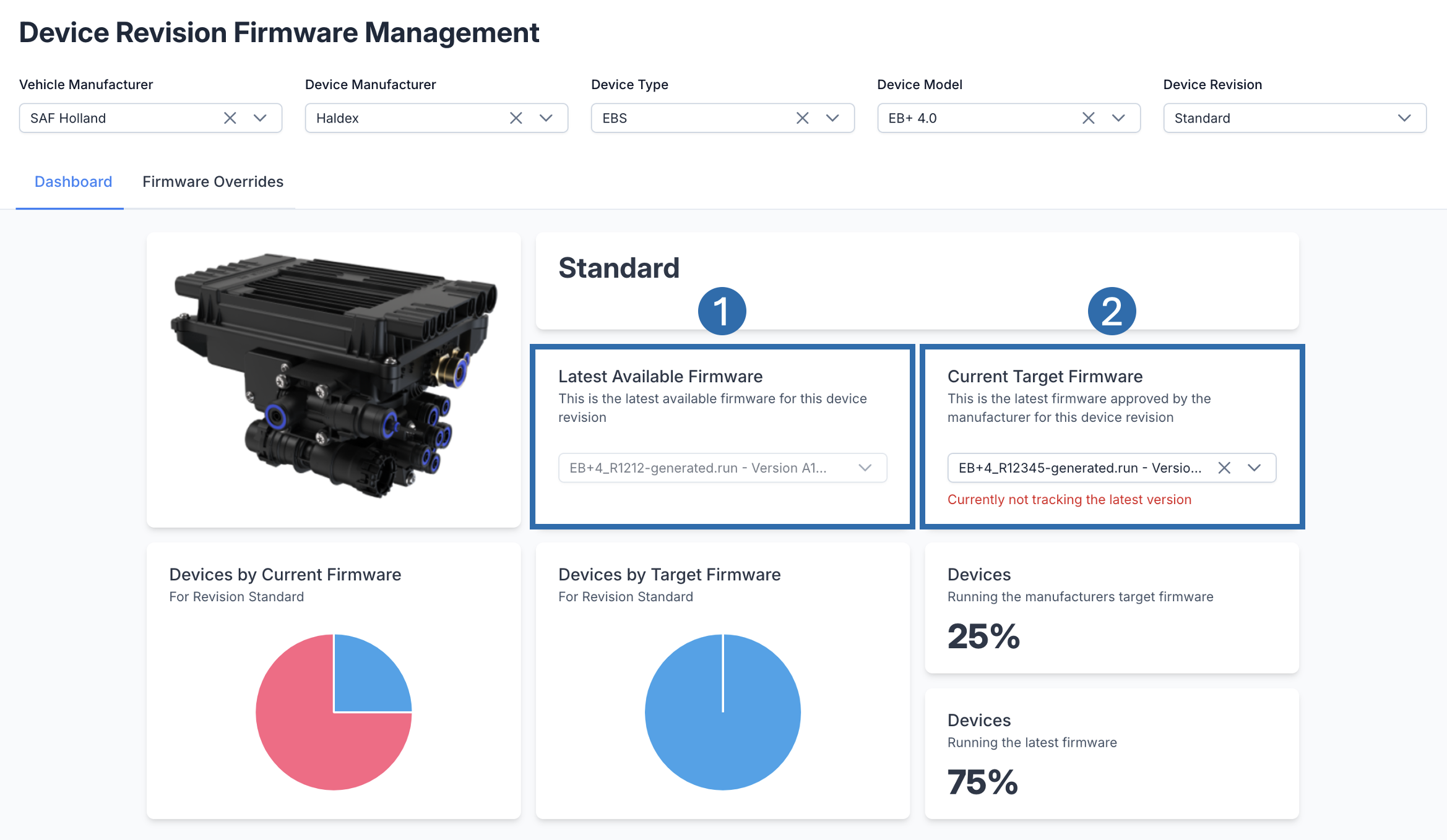 | |
 | Latest Firmware This is the most recent firmware that the Device Manufacturer has uploaded for this device revision. |
 | Current Target Firmware This is the firmware that the vehicle manufacturer has set to track for this device revision. This has been approved as compatible for devices belonging to this device revision. You will see a warning in this section if you are not tracking the latest firmware. |

Setting Approved/Target Firmware
Prerequisites:
You should be on the Vehicle Manufacturers Dashboard
You should be on the Dashboard Tab
If you are unable to view the dashboard section (shown below):
Check you have used the filters at the top of the page.
For more support:
Vehicle Manufacturers Dashboard | Using-the-Filters
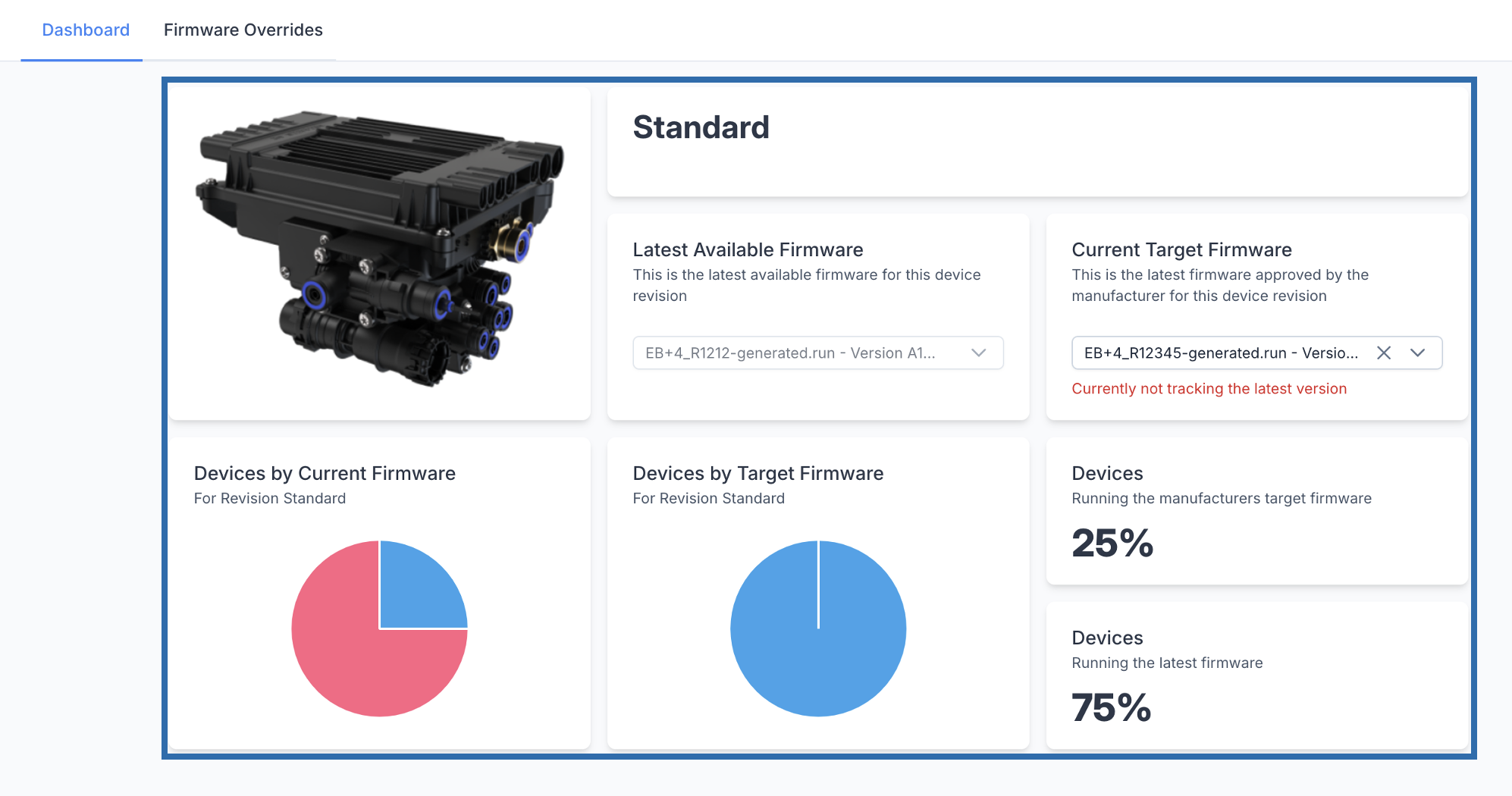
Click the Current Target Firmware dropdown
Select a new firmware from the list
A popup will appear to confirm the action
Click Confirm